


Tricks to Organizing Photos

I recently worked on a project that posed an interesting challenge. Our Client wanted photos stored in folders according to date they occurred. However, they also wanted to be able to have the "creation date" match the date in which they occurred.
Honestly I had never been asked this question, but took on the challenge. I think it really helped me to understand some of the issues with attempting to do this. One of the biggest challenges occurred when I tried to import the newly scanned photos that had proper creation dates into Google where the client wanted to save them. All of those creation dates that we had changed, disappeared into thin air.

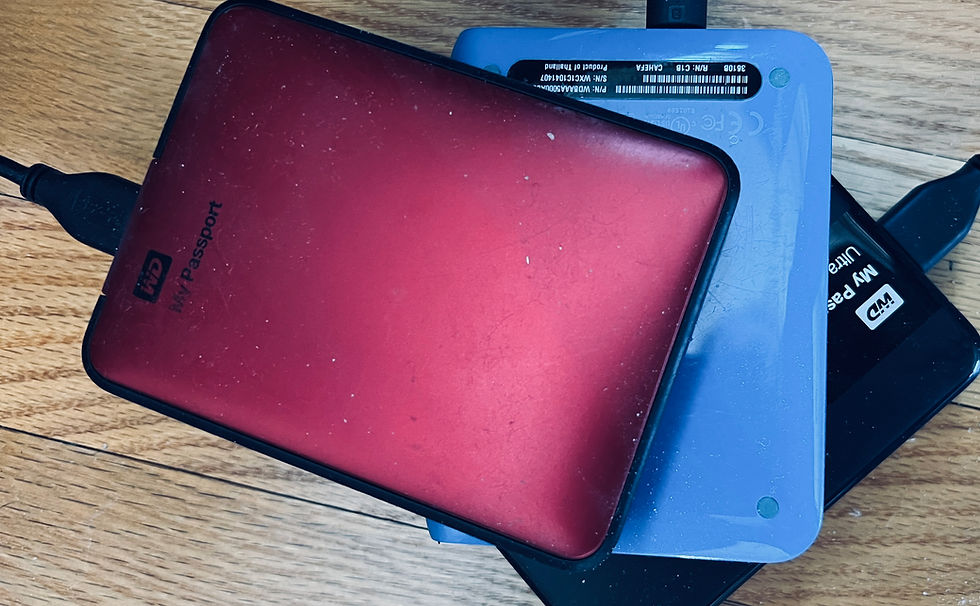
But, as a determined FotoPal, I sought out ways to do this. Fun fact: if you do things on a Mac like I predominately do, it's very easy to change the creation date. As long as you keep it in Photos, it should stay that way. Handy! I also researched several photo creation date software options and eventually found one that is super easy to use. The hard part is finding where you want to export them (save them) to ensure that the established creation date stays (Hint: Using a portable, external drive really helps!) Hit me up if you want to know my secrets! They're actually not really secrets, but rather some great things I learned when doing this project.
Whatever your system of organizing photos, know that I'm available to help if you need it. Organizing your photo collection is easy if you have the right plan.


Comments