top of page
Blog: Blog2
Search

Do your albums "spark joy"?

  • Writer: MyFotopal
    MyFotopal
  • Sep 5, 2019
  • 2 min read

The Marie Kondo craze has been happening the last few years. Things that don’t “spark joy” are donated to allow others to get their own joy out of “new” items. How do you use Marie Kondo's ideas to shrink down your photo collection?


In the last few years, we have tried to figure out a way to shrink down our family’s photo collection. We came up with the following plan. First, photos were carefully taken out of traditional photo albums (you know, those sticky ones that have since lost their stickiness). Next, photos were scanne

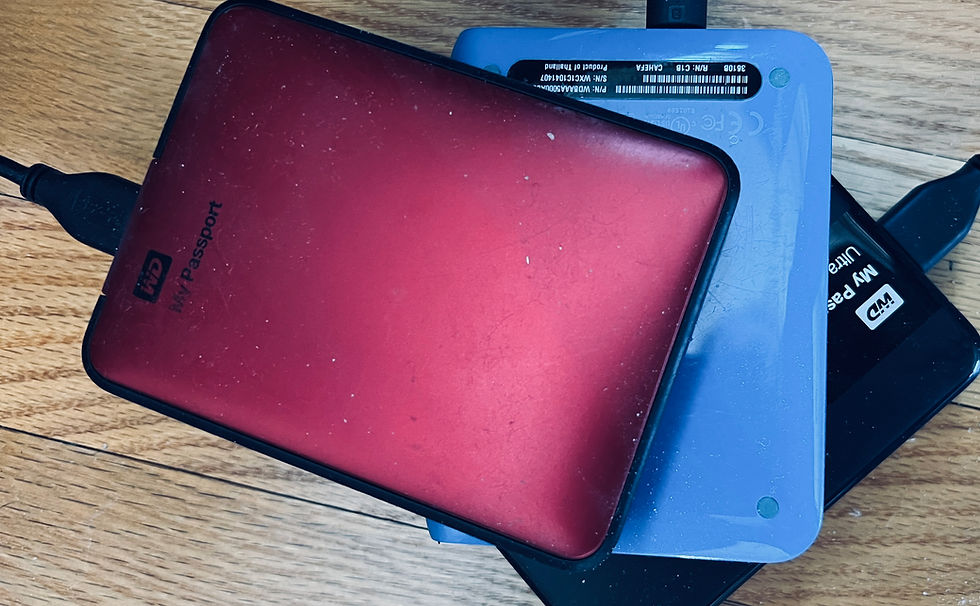
d at 300-600 dpi and saved. Once all photos from an album were scanned, they were carefully placed in photo organizers like those found on Amazon (see link below). The digital images were then stored on a backup hard drive (size to be determined by how many photos you plan to save on it). Once all albums were deconstructed, photos were scanned and put into an organizer, and then digital folders were created on the backup hard drive.


Think of the last time you took all your albums out from your childhood. More than likely, you were searching for a particular photo, or photos, to use for something special. By labeling the digital folders and organizing them, you now have a nice way to easily sort your photos. You can get as organized as you want: creating a new folder with events, specific people, time periods, etc. If you were using the Marie Kondo style of organization, you would have a perfectly organized and detailed hard drive that would allow for easy searching when the time comes for finding a special photo.


My Foto Pal can get you started on this journey by digitizing your photo collection. The fun begins for you when you are able to look at all the photos and create folders for whatever topic you want. Marie Kondo would appreciate your digital sorting we suspect - kind of like a neatly organized closet. Let us help you get started!


One final reminder - once you do take the time to do all of this and get a nice, concise and organized hard drive, make sure you remember to make a duplicate and put it in a special place, or upload to online storage. We have a duplicate in our safe deposit box - just in case . . .

Link to Favorite Photo Storage:


Comments


©2019 by myfotopal. Proudly created with Wix.com

bottom of page